
Extensions
An extension adds something zhttp doesn’t do on its own: a tab that reads a body zhttp can’t, a rule that changes requests or responses, or an item in the right-click menu. Each extension is a folder you add to zhttp.
Install one
Section titled “Install one”- Open Settings › Extensions and click Open folder.
- Copy the extension’s folder into it. The folder holds a file called
extension.json; keep its name as it came. - Restart zhttp.
- Turn the extension on with its switch in Settings › Extensions.
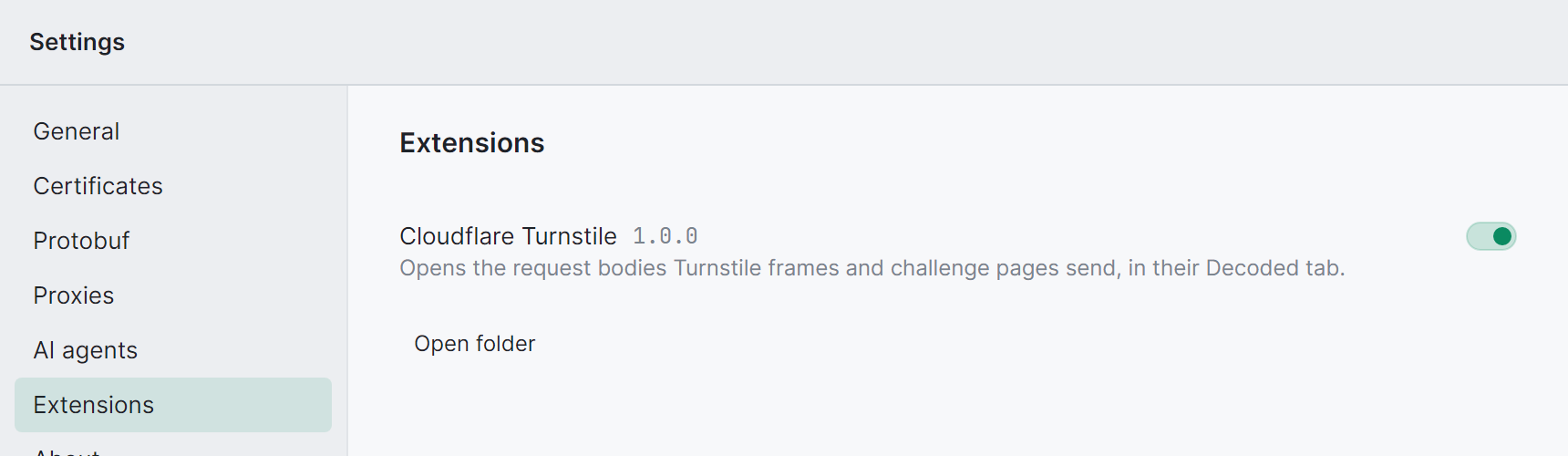
An extension does nothing until it’s on. Its switch is kept when zhttp restarts. To remove one, turn it off, close zhttp and delete its folder.
What an extension adds
Section titled “What an extension adds”An extension can add any of these. Its maker says which.
An extension can add a tab to the requests or responses it handles, after Raw. It reads the request when you open the tab, once the request has arrived in full. Click ↻ to read it again.
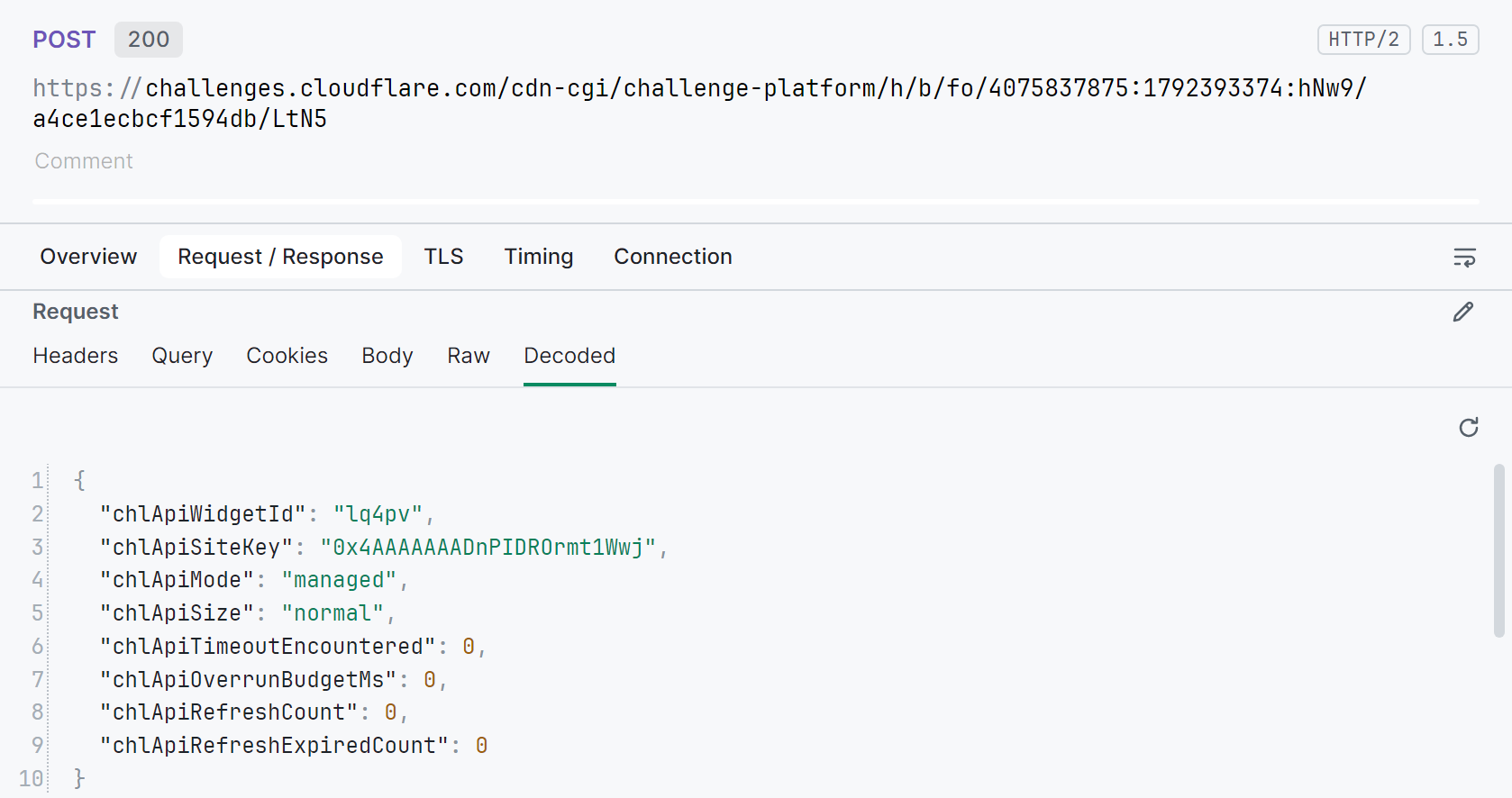
AI agents can read these tabs too.
Breakpoints panel › + lists the extensions’ rules after its own, for the extensions that are on. A new rule comes with the URL its extension suggests. Change the URL to aim it at other requests, as you would a breakpoint’s.

The rule lists under EXTENSIONS and has a switch like any other. The extension changes the requests and responses the rule matches before they go on.
If the extension is off, removed or has stopped, the rule says so under its URL: Extension off, Not installed or Not running. Anything the rule matches then fails. zhttp drops the request, or for a response, sends the app a 502 with the reason. Turn the rule off, or the extension on, to fix it.
Right-click items
Section titled “Right-click items”Right-click a request › Extensions lists what the extensions that are on can do with the requests you picked, each beside its extension’s name. Some copy text to the clipboard; some show a short message.
Watching
Section titled “Watching”Some extensions read each request whose response arrives, and leave a comment or a highlight on the ones they care about. They need nothing from you once they’re on.
When an extension stops
Section titled “When an extension stops”Settings › Extensions shows why under its name, for example Its program stopped: exit status 1. What the extension wrote about it is in extension.log, in its folder. Turn it off and on again to start it again.
Who can make one
Section titled “Who can make one”Anyone. An extension is a small program that zhttp starts and talks to. Writing extensions builds one step by step in C#, Extension examples has the same one in Go and Rust, and the extension reference lists every field and method.